There are plenty of places you can publish your work, but the one place where you have complete control is on your own blog.
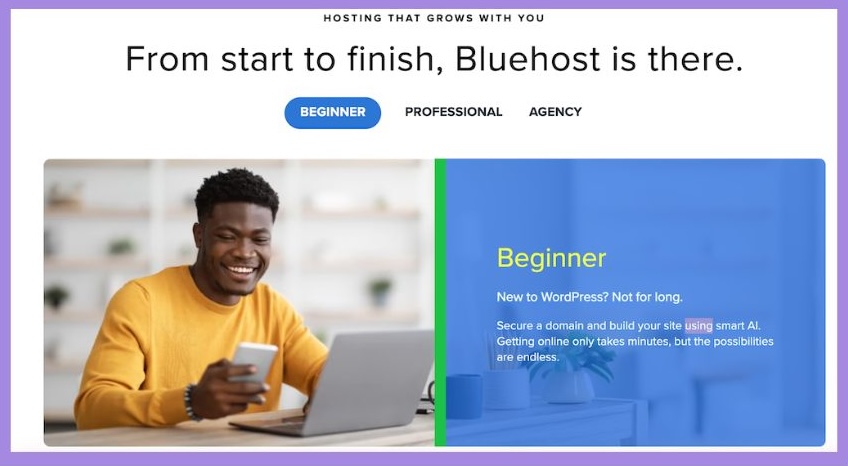
In this guide, I’ll walk you through how to set up a WordPress blog in under 30 minutes, even if you have zero tech skills. Plus, I’ll show you how to get hosting with Bluehost, one of the most trusted names in the game — and the one I personally recommend.
Step 1: Choose a Hosting Provider (Recommended: Bluehost)
Web hosting is what keeps your blog online. I recommend Bluehost because:
It’s officially recommended by WordPress.
It’s beginner-friendly and affordable.
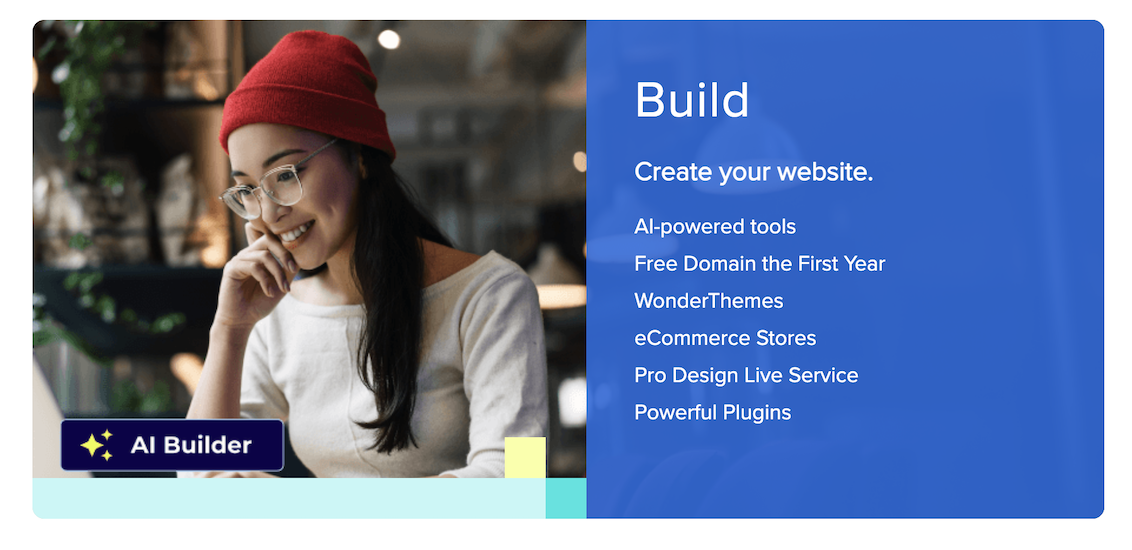
You get a free domain name for your first year.
24/7 customer support is included.
Click here to get started with Bluehost WordPress Hosting
Step 2: Pick a Domain Name
Your domain name is your blog’s address on the web — like mywonderfulblog.com.
When you sign up with Bluehost, you’ll be prompted to choose a domain name (or you can skip this step and choose it later).
Tips for choosing a domain:
- Keep it short and memorable.
- Avoid hyphens or numbers.
- Use a .com if possible.
Step 3: Install WordPress (It’s Automatic!)
Once you’ve signed up with Bluehost, WordPress installs automatically — no need to download or upload anything.
You’ll get a confirmation email with login details for your new WordPress dashboard.
Step 4: Pick a Theme and Customise
Your theme controls how your blog looks. WordPress has thousands of free themes to choose from.
To pick a theme:
- Log into your WordPress dashboard.
- Go to Appearance > Themes > Add New.
- Search for a theme you like and click Install > Activate.
You can always change your theme later, so don’t overthink it.
Step 5: Write Your First Blog Post
Go to Posts > Add New and start writing! Add a title, content, images, and click Publish when you’re ready to go live.
Congratulations — you’re officially a blogger!
 Final Thoughts
Starting a blog is easier than ever, and it’s one of the best investments you can make in yourself. Whether it’s a side hustle or a full-time dream, it all starts with one click.
Ready to start your blog? Click here to get started with Bluehost
This post contains affiliate links.